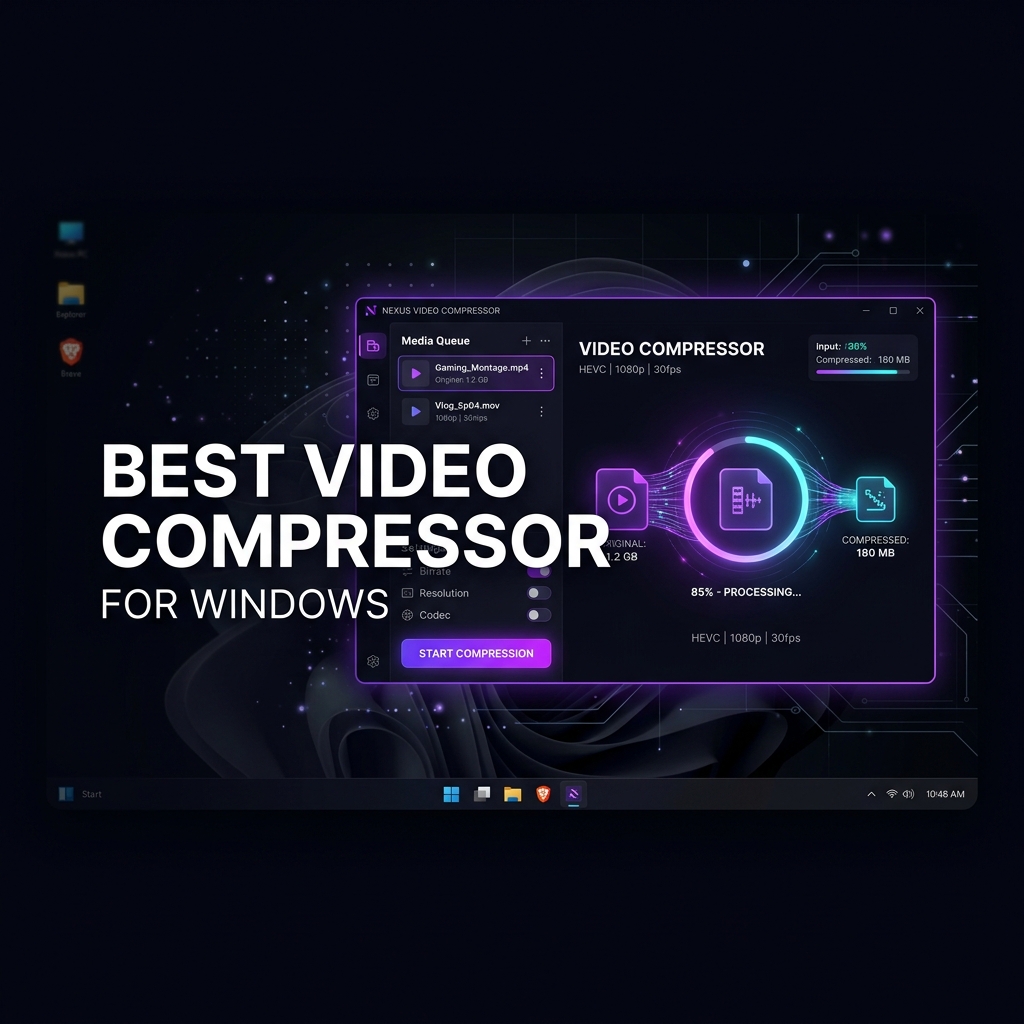
Introduction: The Problem with Online Video Compressors
If you search "compress video online" right now, you'll find dozens of websites offering to compress your video for free. They're convenient — no installation, just drag and drop in a browser tab. But once you actually try to use them with real footage, the problems become obvious fast.
The average freelance videographer, wedding editor, or content creator is working with files that are 2–15 GB each. Here's what happens when you try an online tool:
- You try to upload a 4GB file and hit an immediate error: "Maximum file size is 500MB"
- Or the upload starts — and 40 minutes later you're still waiting
- The output is mediocre — soft, over-compressed, or with visible artifacts
- And your client footage has been uploaded to a foreign server you know nothing about
There's a better way — and it's been sitting on your computer all along.
What Makes a Great Video Compressor for Desktop?
Before we get to the recommendation, let's define what actually matters in a Windows video compressor:
- No file size limits — Works with raw 4K, 8K, and RAW footage of any size
- Offline operation — No uploads, no internet required, no privacy risks
- FFmpeg-based — Industry-standard encoding engine used by YouTube, Netflix, and VLC
- Batch processing — Handle multiple files at once without babysitting
- Simple interface — No command-line knowledge required
- Quality presets — Pre-tuned settings for real use cases, not just generic "low/medium/high"
Download My Video Compressor
The only video compressor for Desktop you'll ever need. FFmpeg-powered, no file size limits.
Online Compressors vs. My Video Compressor: Side-by-Side
| Feature | Online Tools | My Video Compressor |
|---|---|---|
| File size limit | 200–500 MB | Unlimited |
| Upload required | Yes (minutes to hours) | No (instant) |
| Privacy | Footage sent to servers | 100% local |
| Processing speed | Slow (bottlenecked by upload) | Uses your own GPU/CPU |
| Batch processing | Rarely supported | Up to 10 files at once |
| 4K support | Limited | Unlimited 4K / 8K |
| Watermark | Often on free tier | Never |
| Internet required | Yes | No |
Why My Video Compressor Is the Best Choice in 2026
1. It's Built on FFmpeg — The Industry Standard
FFmpeg is the same open-source encoding engine used by YouTube, Netflix, VLC, and every professional video platform on the planet. My Video Compressor wraps FFmpeg in a clean, drag-and-drop Windows interface so you get professional-grade compression results without touching the command line.
2. No File Size Limits — Ever
Whether you're compressing a 500MB wedding highlight reel or a 40GB RAW 8K recording from a cinema camera — My Video Compressor handles it. There are zero artificial size restrictions. The only limit is your drive space.
3. Batch Queue for Up to 10 Videos
Drag and drop up to 10 videos at once and hit compress. The app processes them sequentially in the background while you work on something else. Come back to find 10 compressed files ready and waiting.
4. Purpose-Built Presets for Real Workflows
There's no "low/medium/high" slider with mystery settings. Every preset is tuned for a specific real-world use case:
- Website — H.264, CRF 26, 1080p, fast-start. Perfect for client portals, Vimeo, YouTube, and web delivery.
- Email — H.264, CRF 34, 720p. Targets under 25MB for email attachment compatibility.
- Best Quality — H.265, CRF 18, 10-bit. Visually lossless archival for long-term storage and master copies.
5. Hardware-Bound, Annual License
My Video Compressor uses a hardware-bound license tied to your PC. 🇮🇳 ₹999/year for India or 🌍 US$24.99/year globally — one flat annual payment for unlimited compression, unlimited file sizes, and free updates for a year.
🔒 Privacy by Design
Your footage never leaves your machine. For wedding videographers, corporate editors, and anyone handling NDAs or client-confidential footage — this is non-negotiable. My Video Compressor processes everything 100% locally. Not a single byte of your video is sent anywhere.
Who Is My Video Compressor For?
My Video Compressor is purpose-built for:
- Freelance videographers — compress client deliverables without uploading footage to random servers
- Wedding videographers — batch-compress highlight reels and full ceremony footage overnight
- YouTube creators — compress 4K recordings to manageable upload sizes without quality loss
- Real estate agents — compress property walkthrough videos for email and portals
- Corporate communications teams — compress internal training and marketing videos
- Anyone who's ever hit the 25MB email limit